Your inbox sorts itself
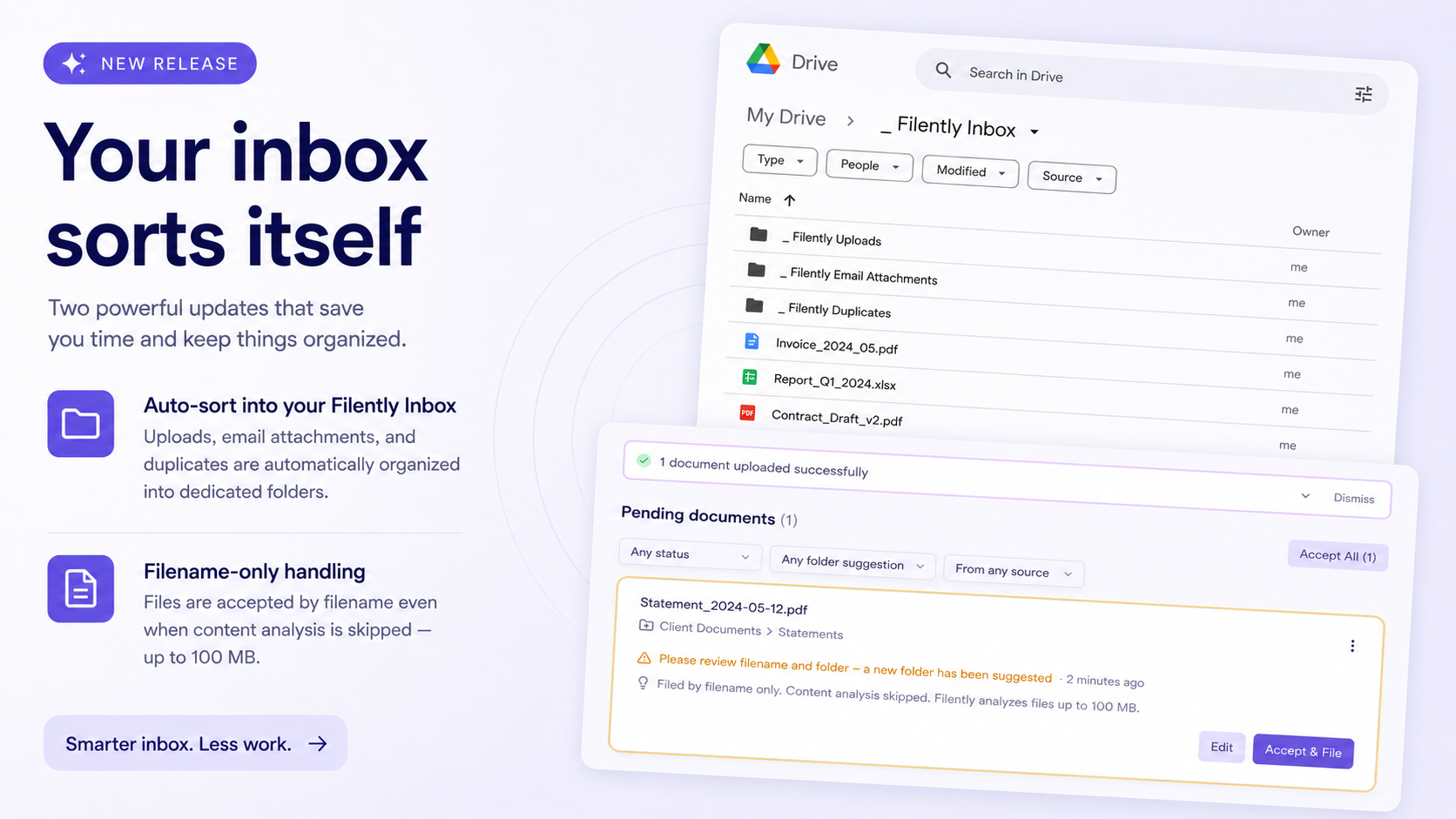
Last release was about controlling what reaches you. This one takes care of what happens next: your inbox folder in Google Drive now keeps itself organized, and a file that is too large to analyze gets filed anyway instead of being turned away.
Your files stay in your Google Drive
Filently works directly with the files in your Google Drive. Your files are never moved into separate storage.
When a new file comes into Filently, it first lands in your _ Filently Inbox. Think of it as a waiting room: the file stays there while Filently processes it and gets it ready for its final destination.
Filently analyzes the file and suggests a name and destination. You can review and approve that suggestion in the Filently dashboard. If you have automatic filing enabled, Filently can take care of the filing for you.
Files can enter this waiting room in different ways: you can upload them through the Filently app, forward them by email, or drop them directly into the _ Filently Inbox in your Google Drive.
New Features
Your inbox folder sorts itself
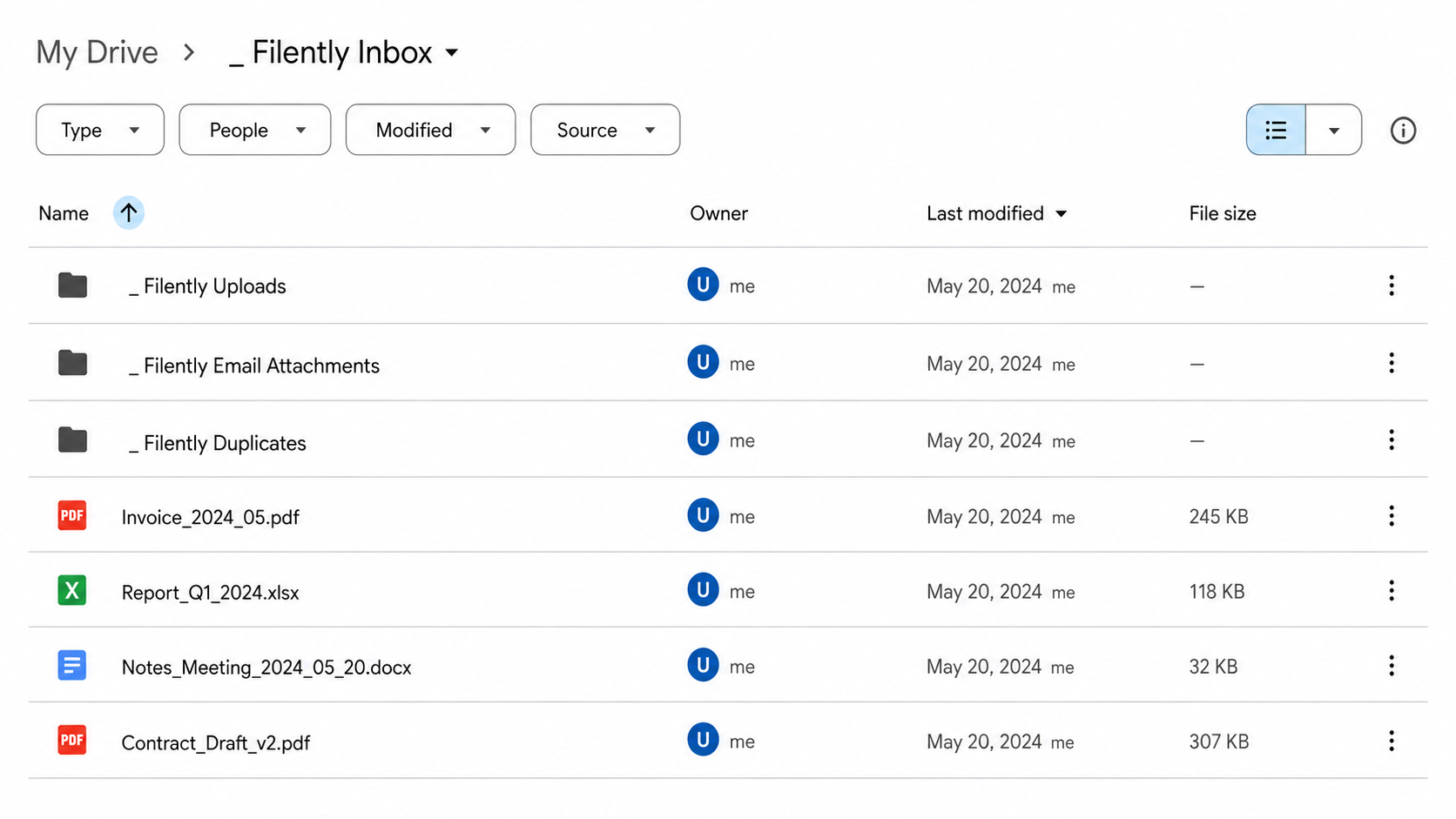
With files coming in from different places, the inbox can get busy. So we’ve added dedicated subfolders to keep things organized while files are waiting:
_ Filently Uploads holds the files you upload in the app.
_ Filently Email Attachments holds the attachments from your forwarded emails.
_ Filently Duplicates is where a duplicate goes the moment Filently spots it, so it no longer sits next to files that are still waiting.
The root of your inbox stays yours: the only loose files in it are the ones you put there. Dropping a file into one of the subfolders works too, Filently picks it up just like the root. And when you revert a filing, the document goes back to the exact subfolder it came from. Inbox Folder Watching Email Forwarding
Too big to analyze no longer means too big to file
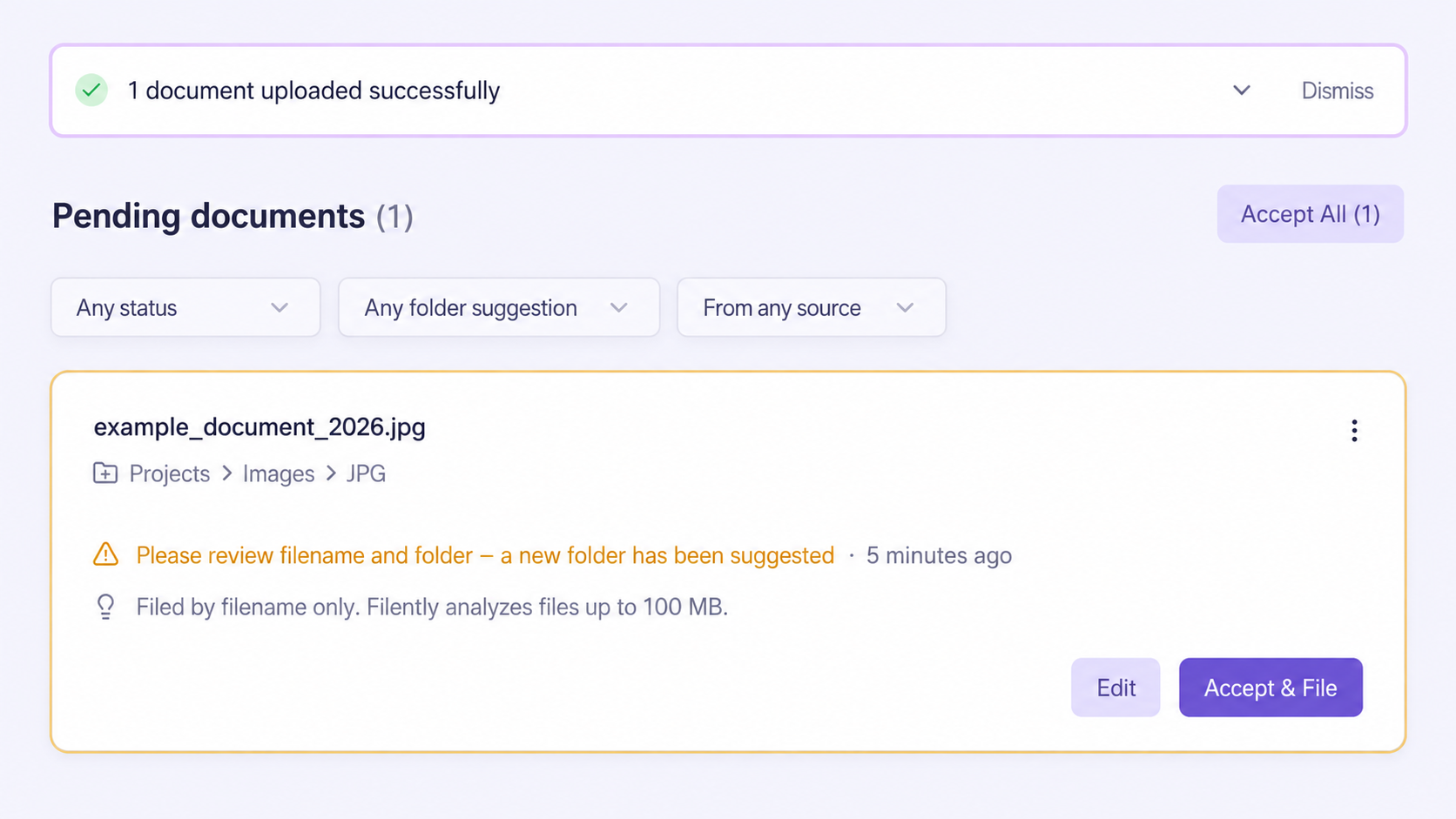
Until now, a file over your plan's size limit was simply rejected: the upload stopped with an error, and an oversized file from your inbox or email went nowhere. That is over. Filently now takes a file of any size and files it based on its filename; only the content analysis is skipped.
The document card tells you when that happened. On a plan that analyzes files up to 50 MB, a larger file shows a note with an upgrade link, because Professional analyzes files up to 100 MB. Above 100 MB no plan reads the content, and the card says so, but the file still gets named and filed. Supported File Types and Limits
Bug Fixes
Choosing a folder: the folder picker used to announce "Perfect! This folder is empty" for folders that contain files, just no subfolders. It now explains that it lists folders, not files, so a full folder no longer looks empty.