May 8th, 2026
New
Improved
Fixed

This release brings a major upgrade to how you browse documents in review, plus expanded plan limits and a list of reliability fixes.
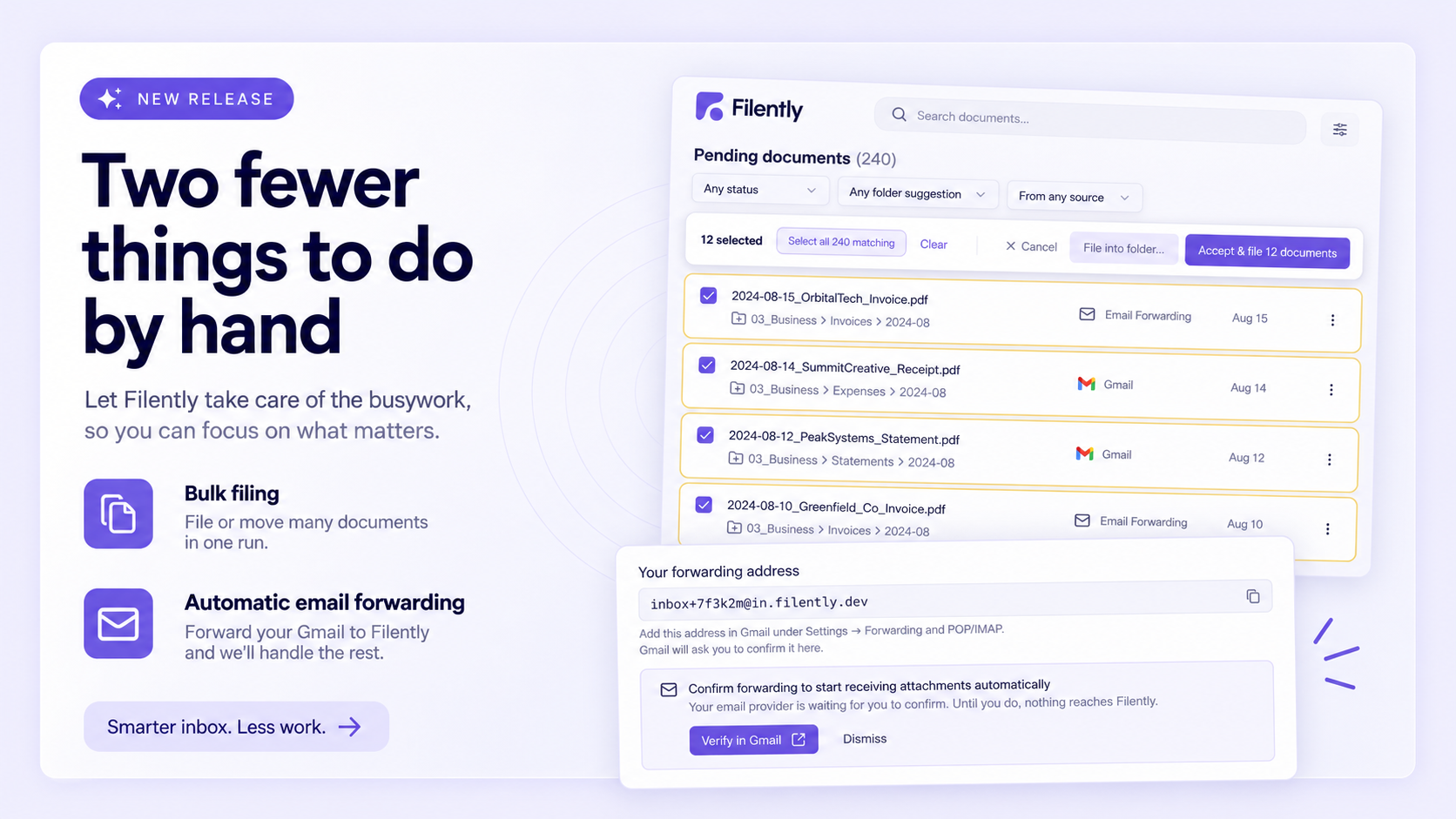
The documents queue on your dashboard now loads in pages with a "Load more" button instead of rendering everything at once. If you've been letting documents pile up, the dashboard will stay snappy regardless of queue size. New filters let you narrow down by status, folder type, and source (upload vs. inbox), and bulk actions like "Accept All" and "Remove Failed" respect the active filters.
A new "Remove Failed" button on the dashboard lets you clear out all documents that couldn't be processed in a single action. The files themselves stay in your upload folder, so you can still file them manually later if you want. The same one-click cleanup is now available for individual documents too. Managing Filed Documents Reviewing Documents

When you remove a document and choose to also delete the file from Google Drive, Filently now moves it to Drive's trash instead of permanently deleting it. Previously, files were hard-deleted and unrecoverable — now you have 30 days to restore anything removed by accident. Keeping the file in Drive untouched is also now the default option.
The Personal plan now includes 50 documents per month (up from 25) and 600 per year (up from 300) — same price, double the headroom.
Custom filing instructions now allow up to 5,000 characters (up from 2,000), giving you more room to describe folder structures, tie-breaker rules, and business context.
Large Excel files now parse reliably — certain large, sparse spreadsheets that previously failed processing now extract correctly.
Email attachment file extensions match the actual content — when an attachment's extension didn't match its real type, Filently now corrects it before saving to Drive.
Email attachments without a filename or type are no longer rejected — Filently now generates a sensible filename and detects the type from content.
Tiny images no longer break processing — very small images now fall back to filename-only classification instead of failing.
Folders with more than 100 files are now fully indexed — inbox folders containing many files are no longer silently truncated.
Filing into newly-created nested folders is now consistent — filing into multi-level new folders (e.g. "2026/March") no longer occasionally produces inconsistent folder state.
March 28th, 2026
New
Improved
Fixed
Filently now supports any file type, gives you more control over filing instructions, and brings several quality-of-life improvements.
Filently now accepts any file type — not just PDFs and images. Files like ZIPs, audio, video, and other non-extractable formats are classified based on their filename, while documents like PDFs, Office files, and images continue to get full text extraction and AI classification. See Supported File Types and Limits for details.
You can now @-mention specific folders from your Google Drive in your custom filing instructions. This lets you explicitly reference where certain types of documents should go, giving you more precise control over how Filently organizes your files. Learn more in Custom Filing Instructions.
Filently can now create multi-level nested folders (e.g., "2026/March") when filing your documents — no need to pre-create folder hierarchies in Google Drive.
If a document fails processing, you can now manually retry it. Failed documents can also be manually filed to work around processing issues. See Common Issues and Solutions for more.
A new debug info dialog on each document card lets you inspect technical processing details, classification output, and folder suggestions — helpful for understanding how Filently made its filing decisions. See Common Issues and Solutions .
Rejected files (e.g., empty or oversized) now appear in the upload drawer with clear error reasons instead of disappearing toasts.
Original file dates are preserved — Google Drive now shows the file's original modification date, not the upload time.
Smarter custom filing instructions — instructions like "place invoices in year/month folders" are now correctly scoped and no longer applied to unrelated documents.
Improved folder matching — filing suggestions are now more reliable and less likely to be incorrectly discarded.
Documents without extracted text can now be reclassified.
Fixed an issue where the "Open folder" menu item was shown for documents without a folder.
Fixed folder sync issues that could cause folders to temporarily disappear or get out of sync.
Fixed a bug where Office documents uploaded with incorrect file types could fail processing.
March 5th, 2026
Filently can now process native Google Workspace files. If you place a Google Doc, Sheet, or Slides presentation into your inbox folder, Filently will read its content, suggest a name and folder, and file it — just like any other document.
How it works
Google Workspace files are cloud-native and live directly in Google Drive, so there is nothing to upload. Simply move or create them in your Filently inbox folder.
This works with both manual approval and auto-processing on the Sources page.
Tip: Use your inbox folder as a scratchpad
Not sure where a new document belongs? Create it right in your inbox folder. Once you are done writing, approve it from the Sources page and Filently will take care of the rest.
If you have auto-processing enabled, keep in mind that Filently will pick up the file immediately — potentially before you have finished writing. In that case, create the document elsewhere and move it into the inbox folder when it is ready.
Supported types
Google Docs
Google Sheets
Google Slides
For the full list of supported file types, see Supported File Types and Limits.
March 2nd, 2026

We’re thrilled to announce a significant enhancement to Filently’s integration with Google Drive. This update makes document management easier than ever before.
This powerful functionality ensures that:
Filently creates a designated Inbox folder in your Google Drive where you can effortlessly add documents.
Files added to this folder, whether directly from your desktop, by using a mobile scanning application, or through shared access, are detected automatically.
Simply upload or add a document to the Inbox folder that Filently sets up in your Google Drive.
Choose between automatic processing (by enabling the feature) or manual approval for each document.
For comprehensive instructions and information, please refer to our Help Center article.
This robust enhancement streamlines your file management experience as you work seamlessly with Filently and Google Drive.
February 28th, 2026
New

We're thrilled to announce a new feature that expands our service capabilities and streamlines your document management workflow.
You can now leverage email forwarding capabilities to simplify uploading and processing document attachments. Here's how it works:
Seamless Integration: Forward any email with file attachments to your unique Filently email address.
Automated Processing: Attachments will be extracted, processed, and automatically saved to your Google Drive.
Steps to enable this feature:
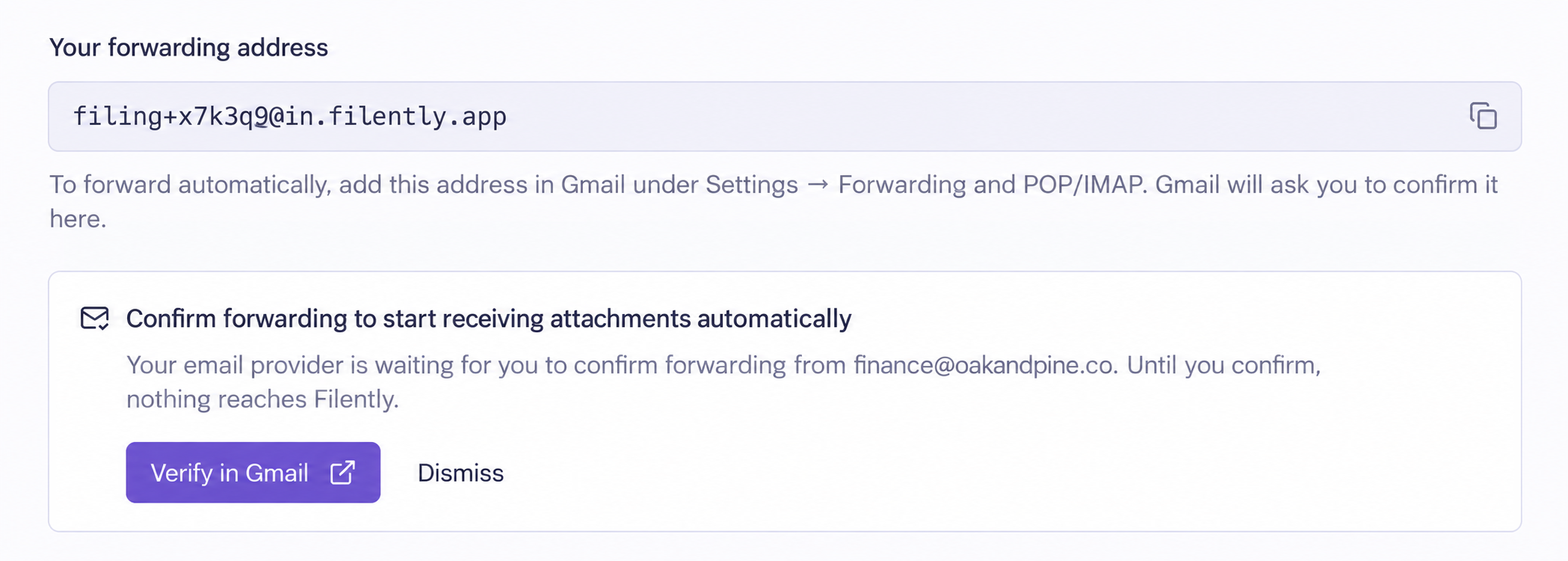
Enable email forwarding on the Sources page.
Copy your unique email address, formatted like filing+yourtoken@in.filently.com.
Forward emails with document attachments to this address.
This feature is available exclusively to users on our Professional plan.
Discover more about email fowarding in our help center.
We look forward to seeing how this innovation enhances your productivity!