Filently MCP: ask Claude or ChatGPT about your documents
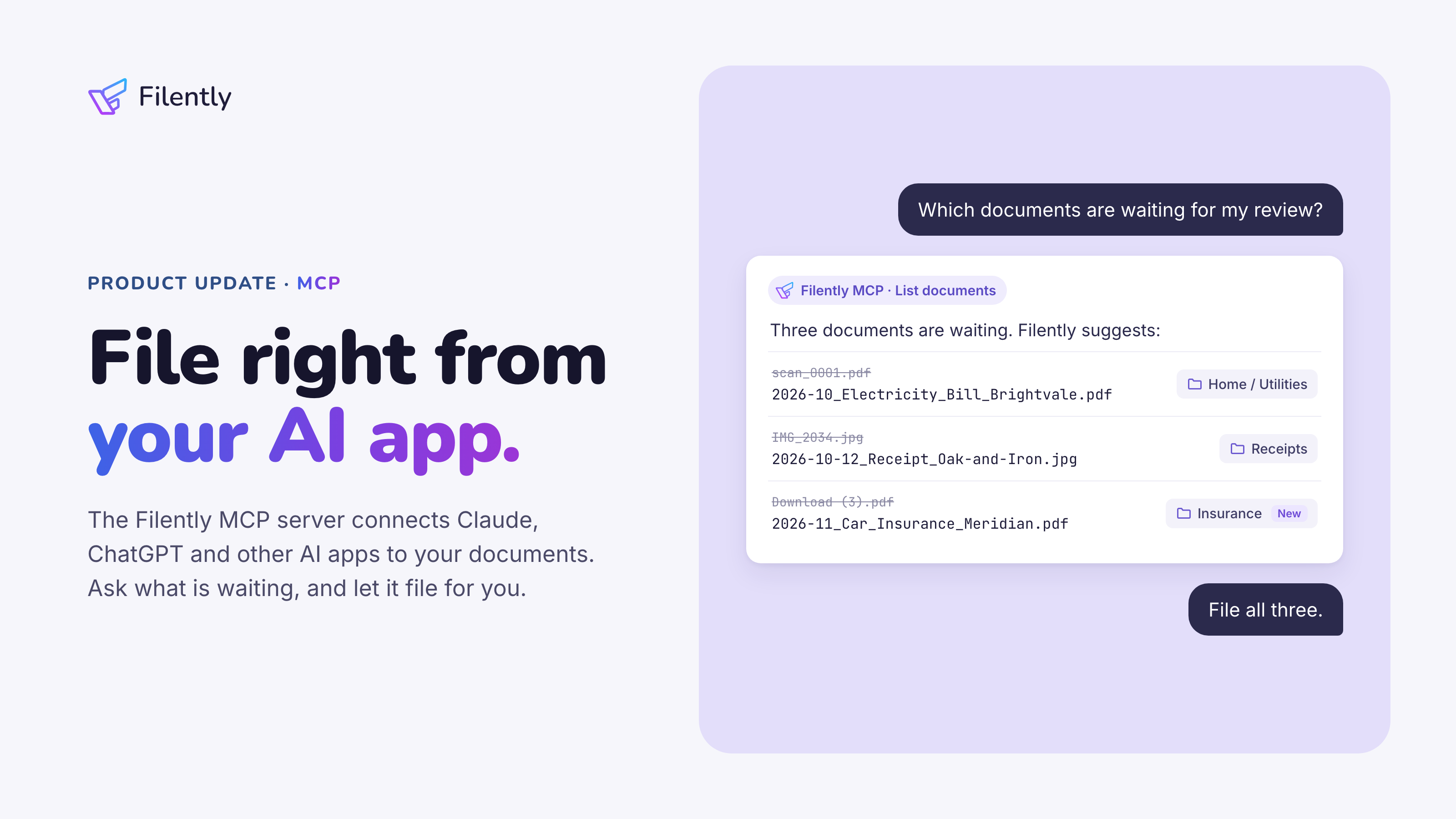
Filently now has an MCP server. MCP (Model Context Protocol) is the open standard AI apps use to connect to other tools. Connect Filently to an AI app such as Claude or ChatGPT, then ask it which documents are waiting for your review, let it file them into the folders Filently suggests, or ask where a document belongs before it is even in Filently. Filently is listed in Claude's connector directory, so connecting takes a few clicks.
Filently MCP
Connect Claude, ChatGPT or any other MCP app
In Claude, open Filently in the connector directory and click Connect. In ChatGPT, add Filently as a custom app. Any other AI app that supports MCP connectors works too. The MCP server URL is https://mcp.filently.com/mcp.
You can connect AI apps on every plan, including the free trial. @Connecting AI Apps (MCP)
What you can ask
"Which documents are waiting?" The app lists your documents in Filently: waiting for your review, still being read, failed, or filed, with the name and folders Filently suggests.
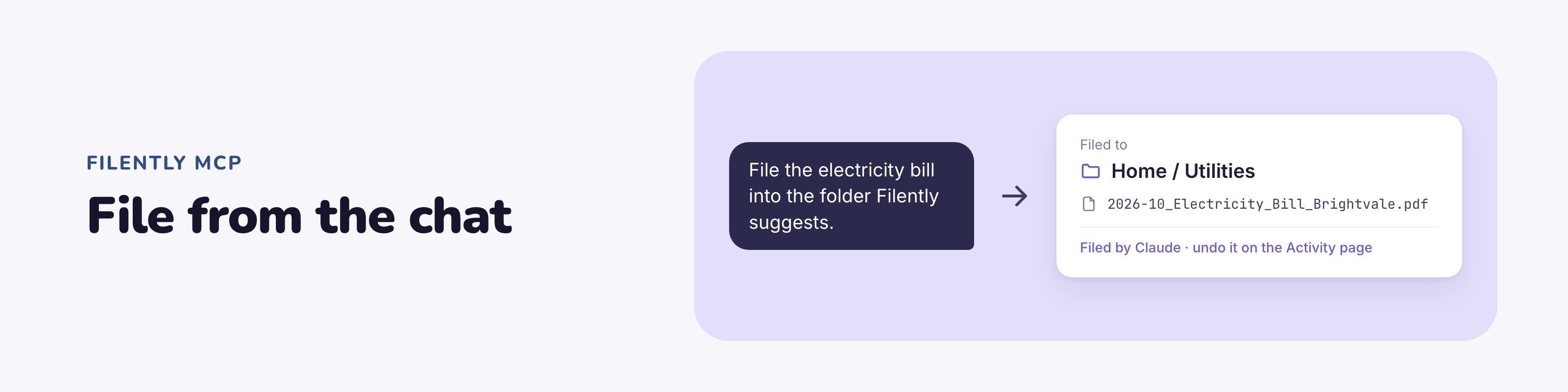
"File them." Confirm a suggestion or choose another suggested folder, and the app renames the file and moves it in your Google Drive. A suggested folder that does not exist yet is created.
"Where does this belong?" Share a document in the chat, and Filently suggests a name and folders from your own folder structure. It does not store the document, and nothing is moved. This one needs a paid plan.
You stay in control
Filently asks you every time an app connects. Through Filently, an AI app cannot delete anything, and it sees file names and folder paths, never the content of your documents. Every filing by an AI app appears on the Activity page with the app's name, and you can undo it there.
What should come next?
We want to add more to what your AI app can do in Filently, and build what you will use most first. Vote and tell us what you need.